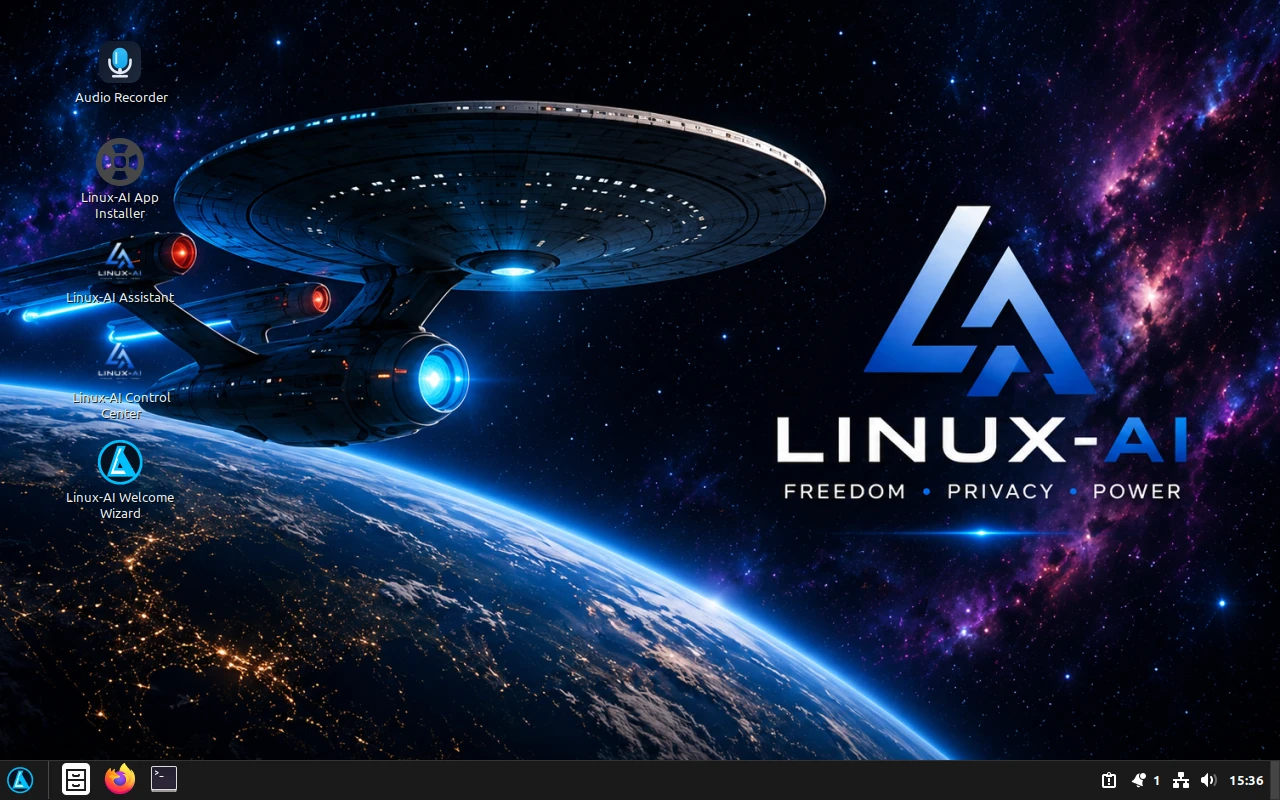
A beautiful, privacy-focused, AI-enhanced Linux operating system built for freedom, productivity, creativity, and everyday desktop use. In case you need it, the Root password is 'linux-ai' Compatible with X64 UEFI.
Linux-AI Premium is Now Available, and includes advanced AI features, expanded voice capabilities, premium desktop tools, enhanced automation, productivity suites, and exclusive Linux-AI applications. Compatible with X64 UEFI.
Learn About Linux-AI PremiumChoose the Linux-AI OS Cinnamon AI Edition ISO below.
Cinnamon AI Edition is the flagship version of Linux-AI OS. It is designed to be elegant, beginner-friendly, powerful, and deeply integrated with AI-assisted desktop tools.
Linux-AI OS includes AI applications and supporting components, so the ISO is considerably larger than many standard Linux distributions.
If downloading the complete ISO at once is difficult, you can download the same official Linux-AI OS release in smaller sections. Download each section separately, then use our simple Linux or Windows instructions to rebuild the original ISO.
Linux-AI OS 1.0 "Star" has successfully completed live boot, installation, reboot, AI assistant testing, and desktop environment validation.
You can test Linux-AI in a virtual machine or install it directly to your computer using the included installer.
After downloading the ISO, use a trusted USB tool such as:
You can boot Linux-AI OS from USB, test it live, and then decide whether to install it on your computer or virtual machine.
After downloading Linux-AI OS, verify the ISO file before installing it. This helps confirm that your download is complete and has not been changed.
sha256sum linux-ai-1.0-star-cinnamon-amd64.iso
Compare the result with the official SHA256 checksum file provided on this page.
Linux-AI OS is designed for modern 64-bit computers. Because the current build includes AI tools, desktop utilities, and a full Cinnamon environment, it requires more storage than a lightweight Linux distribution.
| Component | Minimum | Recommended |
|---|---|---|
| Processor | 64-bit dual-core CPU, 2 GHz | 64-bit quad-core CPU, 2.5 GHz or better |
| Memory (RAM) | 8 GB RAM | 16 GB RAM or more |
| Storage | 64 GB available storage | 120 GB SSD or larger |
| Graphics | OpenGL 3 compatible graphics | Modern integrated or dedicated GPU |
| Display | 1366×768 display | 1920×1080 display or better |
| Internet | Recommended for updates | Recommended for updates, AI features, and online tools |
| USB Installer | 16 GB USB drive | 32 GB USB drive or Ventoy drive |
Note: 64 GB is the official minimum storage target for the base system. A 120 GB SSD or larger is recommended for updates, user files, local AI data, and normal growth. Linux-AI OS has also been tested successfully in a virtual machine using an 80 GB virtual disk.
For advanced local-AI workloads and AI Studio applications, use stronger hardware. These specifications are separate from the requirements for the base Linux-AI desktop.